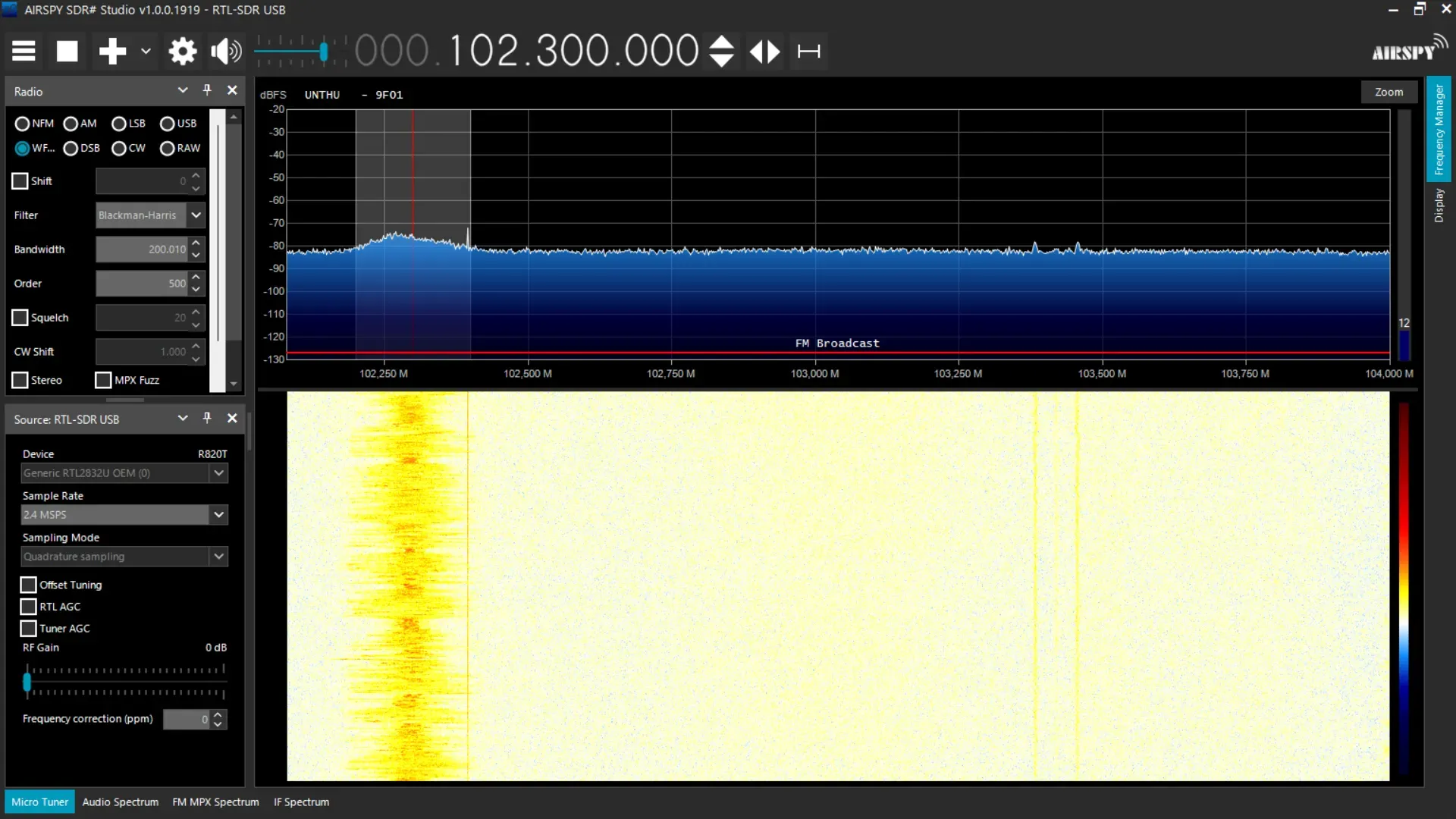
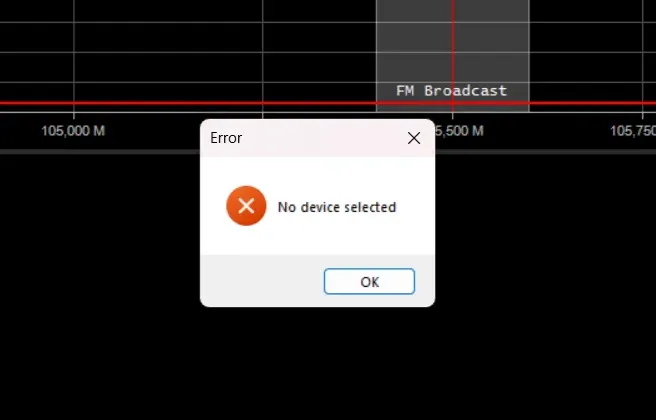
How to Fix Airspy SDR# No Device Selected Error
/ 1 min read
View more blogs with the tag sdrsharp , View more blogs with the tag airspy , View more blogs with the tag sdr , View more blogs with the tag troubleshooting , View more blogs with the tag rtl-sdr , View more blogs with the tag radio-frequency , View more blogs with the tag rtlsdr , View more blogs with the tag rtl2832 , View more blogs with the tag softwaredefinedradio
Table of Contents
Introduction
Airspy SDR# is a software-defined radio (SDR) application that can be used to receive radio signals. This application is developed by Airspy.
Prerequisite
You must already configure the USB driver using Zadig. You can follow the steps in the RTL-SDR.com guide.
Steps
1. Download the missing DLL file
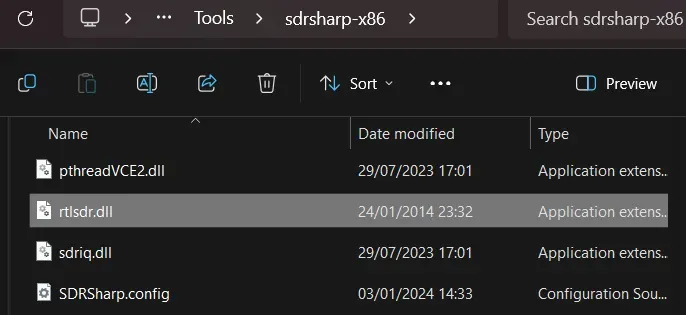
You can download the missing DLL file from here. In this case, we only need the rtlsdr.dll file.
2. Copy the rtlsdr.dll file to the SDR# folder
Copy the rtlsdr.dll file to the SDR# folder. Ex: /path/to/sdrsharp-x86/
3. Configure the RTL-SDR device in SDR#
Click the hamburger menu (☰) in the top left corner of the SDR# window. Then, click the Source button. Choose RTL-SDR USB in the Source dropdown menu.
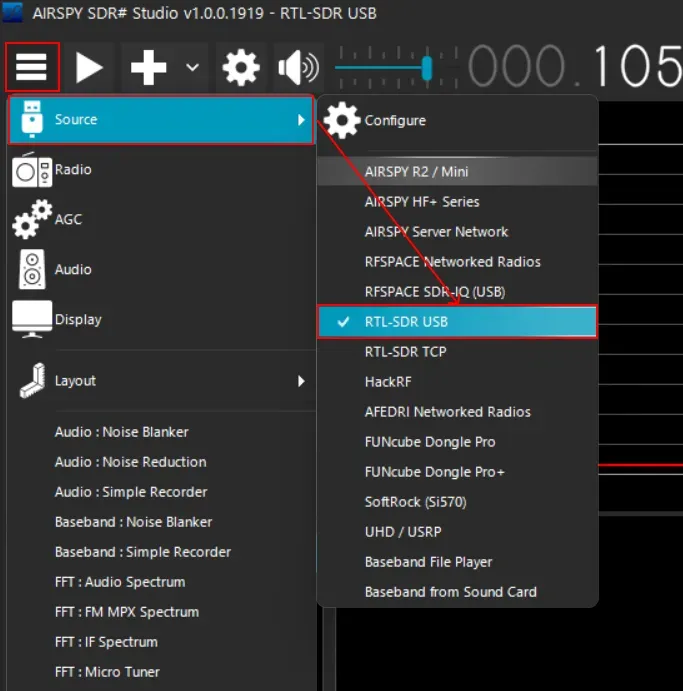
Then choose Generic RTL2832U OEM (0) in the Device dropdown
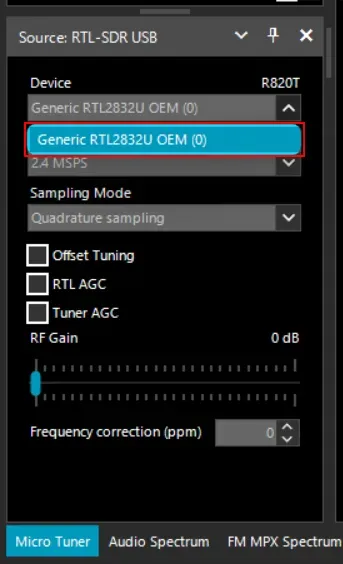
4. Start the Airspy SDR# using the play button.
Press the play button to start listening to the radio signals.