
Setting up ZSH with Antidote and Starship
/ 5 min read

Table of Contents
Intro
So basically, ZSH is a shell, Antidote is a plugin manager for ZSH, and Starship is a prompt.
For a long time, I had always used oh-my-zsh for my ZSH configuration, but recently, I noticed that it was a bit slow in my terminal. After doing some research, I found out that Antidote is a faster alternative to oh-my-zsh. I decided to give it a try, and I’m happy with the result.
You can check Roman’s ZSH benchmark here.
Steps
Install ZSH
Install ZSH using your package manager. For Arch Linux, you can use the following command:
$ sudo pacman -S zshChange the default shell to ZSH:
$ sudo chsh -s $(command -v zsh)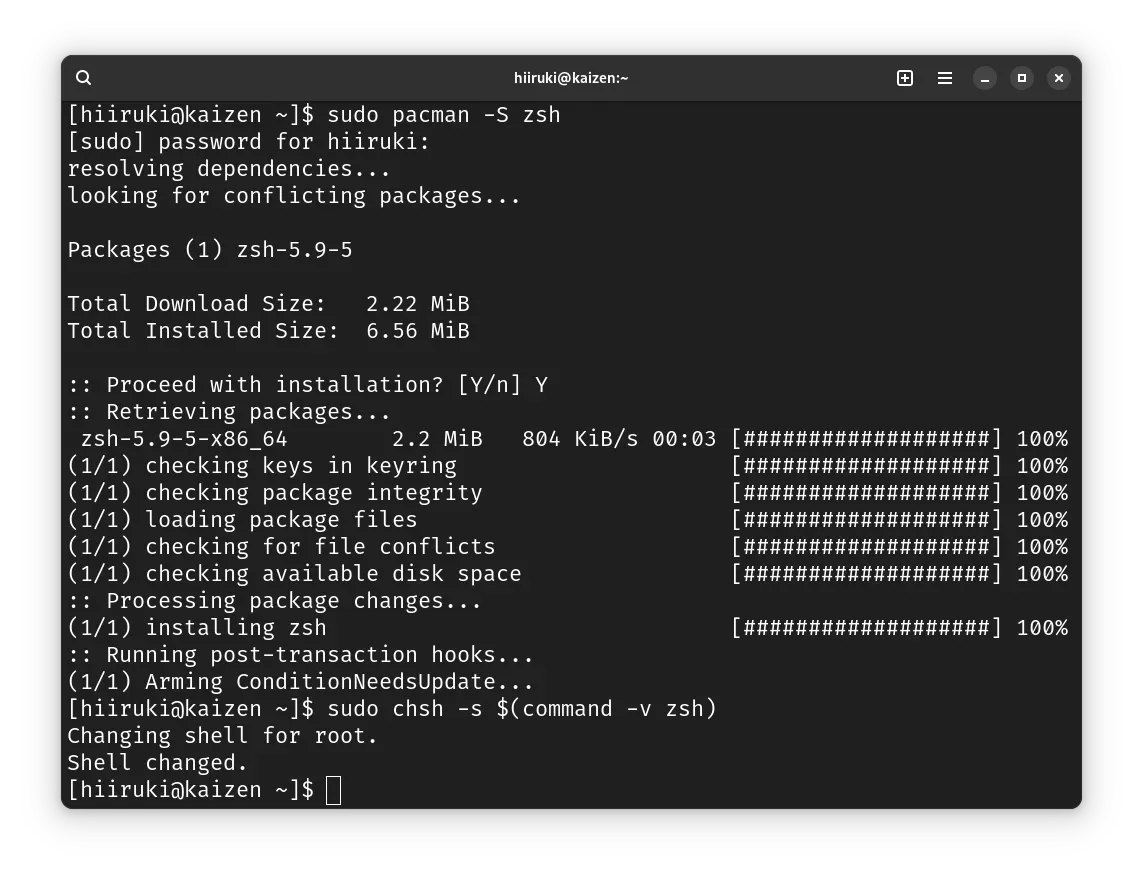
If your default shell is still /bin/bash, you can restart your system or log out and log back in.
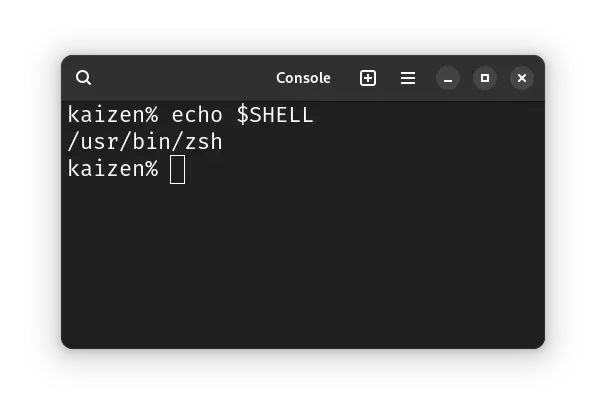
Here I successfully changed the default shell to ZSH:
Install Antidote
First, clone the Antidote to the ~/.antidote directory:
$ git clone --depth=1 https://github.com/mattmc3/antidote.git ${ZDOTDIR:-~}/.antidoteThen, add the following lines to your ~/.zshrc:
# source antidotesource ~/.antidote/antidote.zsh
# initialize plugins statically with ${ZDOTDIR:-~}/.zsh_plugins.txtantidote loadPlugins File
You can create a file named ~/.zsh_plugins.txt to list the plugins you want to load.
$ nano ~/.zsh_plugins.txtand add the plugins you want to load. For example:
# .zsh_plugins.txt - comments begin with "#"
# Basic Zsh plugins are defined in user/repo formatjeffreytse/zsh-vi-mode
# Bash plugins may also workrupa/z
# empty lines are skipped
# annotations are also allowed:romkatv/zsh-bench kind:patholets/zsh-abbr kind:defer
# set up Zsh completions with pluginsmattmc3/ez-compinitzsh-users/zsh-completions kind:fpath path:src
# frameworks like oh-my-zsh are supportedgetantidote/use-omz # handle OMZ dependenciesohmyzsh/ohmyzsh path:lib # load OMZ's libraryohmyzsh/ohmyzsh path:plugins/colored-man-pages # load OMZ pluginsohmyzsh/ohmyzsh path:plugins/magic-enter
# or lighter-weight ones like zsh-utilsbelak/zsh-utils path:editorbelak/zsh-utils path:historybelak/zsh-utils path:promptbelak/zsh-utils path:utility
# prompts:# with prompt plugins, remember to add this to your .zshrc:# `autoload -Uz promptinit && promptinit && prompt pure`sindresorhus/pure kind:fpathromkatv/powerlevel10k kind:fpath
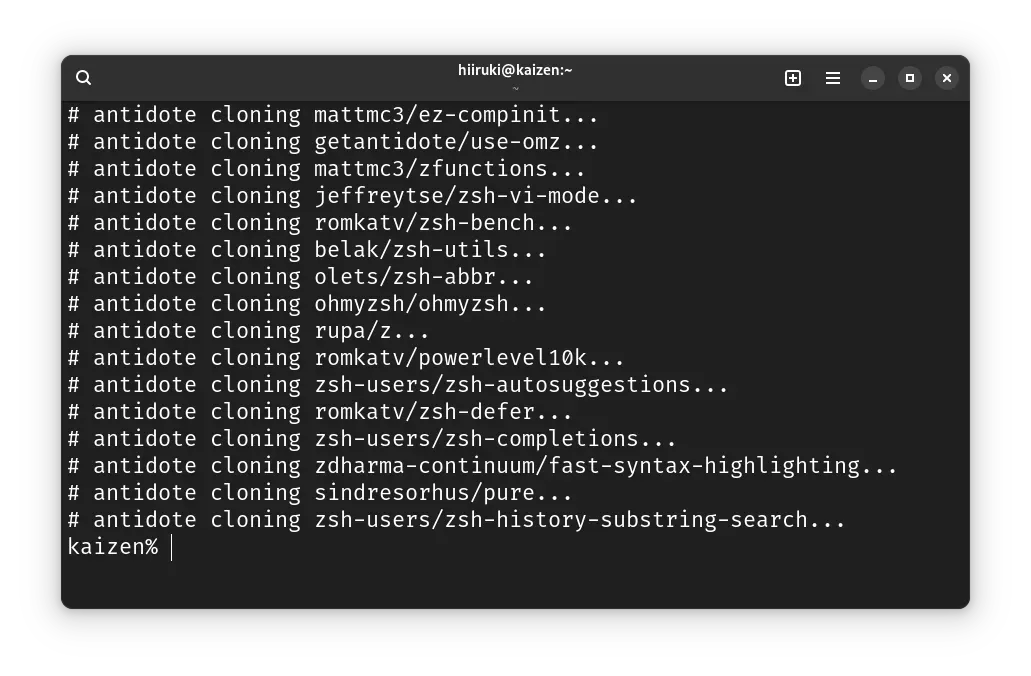
# popular fish-like pluginsmattmc3/zfunctionszsh-users/zsh-autosuggestionszdharma-continuum/fast-syntax-highlighting kind:deferzsh-users/zsh-history-substring-searchAfter saving the file, close and reopen your terminal or run source ~/.zshrc to apply the changes.
Load the Plugins (MANUAL/OPTIONAL)
You can skip this step if you followed the recommended install procedure.
If you followed the recommended install procedure, your plugins will already be loaded when you called antidote load in your .zshrc.
However, you could choose generate your static plugins file manually with antidote bundle. Basically, antidote will only need to run when you change your .zsh_plugins.txt file.
You can generate the static plugins file ~/.zsh_plugins.zsh with the following command:
$ antidote bundle <~/.zsh_plugins.txt >~/.zsh_plugins.zshWe can run the command at any time to update the static plugins file. However, if you followed the recommended install procedure you won’t need to do this yourself.
Finally, the static generated plugins file gets sourced in your .zshrc.
source ~/.zsh_plugins.zshNote that to use antidote bundle this way, we will never want to call antidote init. Be sure that’s not in your ~/.zshrc. antidote init is a wrapper provided for backwards compatibility for users familiar with antibody and antigen, but is no longer recommended.
Install Starship
Before installing Starship, you need to install a Nerd Font and enabled in your terminal (for example,try the FiraCode Nerd Font).
In Arch Linux you can install the FiraCode Nerd Font simply by using the following command:
$ sudo pacman -S ttf-fira-code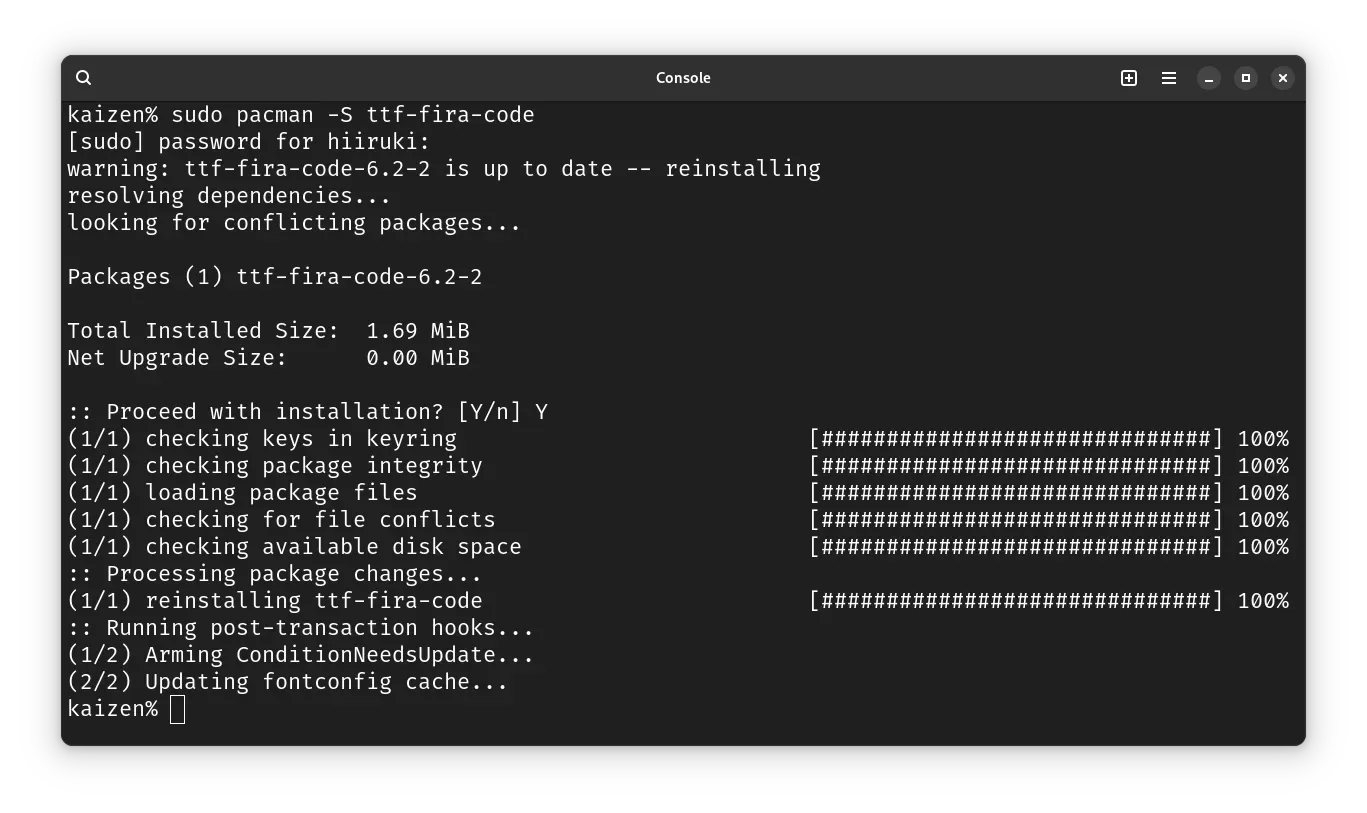
Then, install Starship using the following command:
$ curl -sS https://starship.rs/install.sh | shOr you can use the package manager to install Starship. For Arch Linux, you can use the following command:
$ sudo pacman -S starship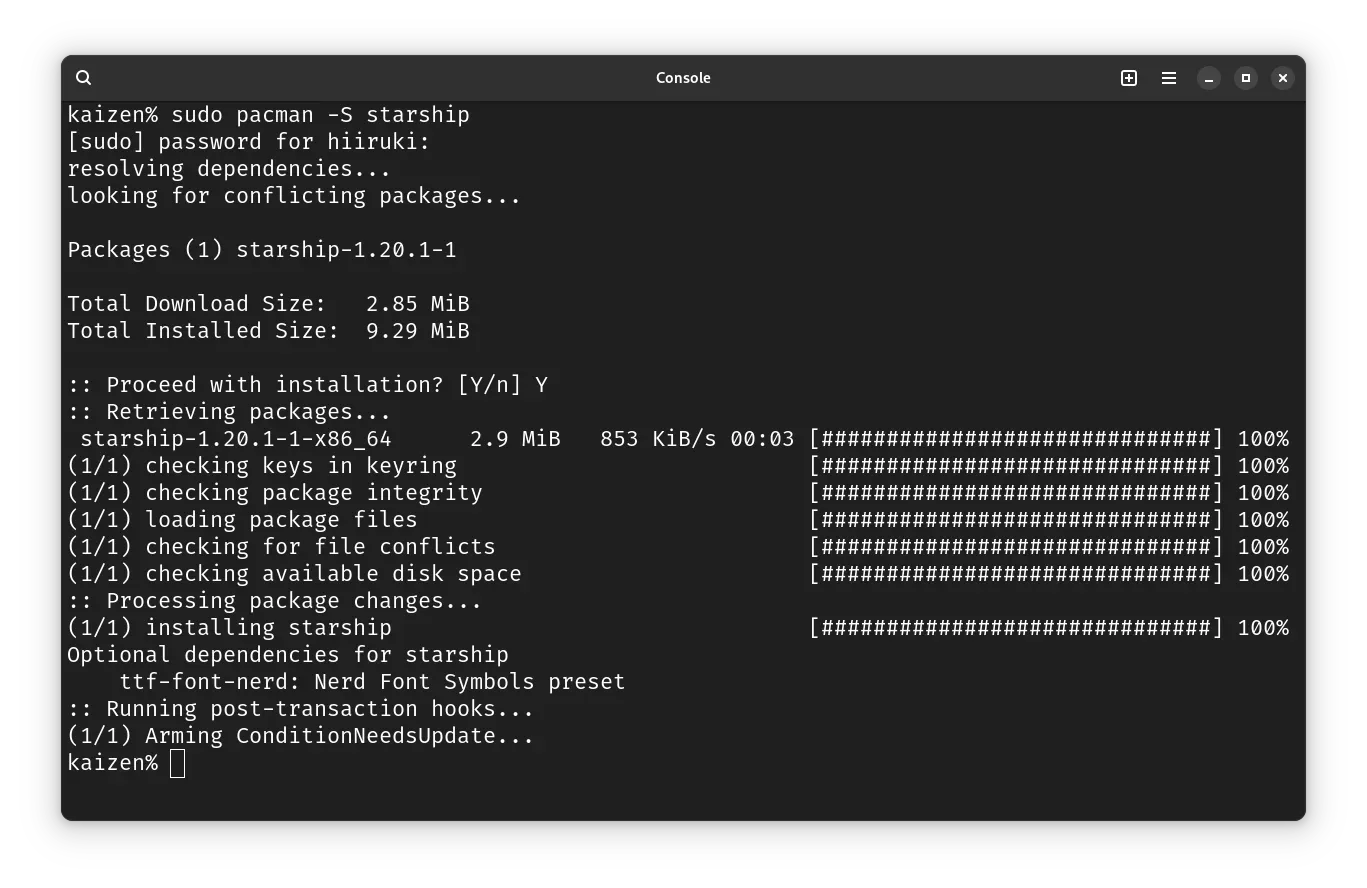
Set up the shell to use Starship
In this case we are using ZSH, so add the following line to your ~/.zshrc:
eval "$(starship init zsh)"Configure Starship
Start a new shell session and you should see the cool Starship prompt. If you’re happy with the defaults, enjoy! If you want to customize it, you can configure Starship by editing the ~/.config/starship.toml file.
# Get editor completions based on the config schema"$schema" = 'https://starship.rs/config-schema.json'
# Inserts a blank line between shell promptsadd_newline = true
# Replace the '❯' symbol in the prompt with '➜'[character] # The name of the module we are configuring is 'character'success_symbol = '[➜](bold green)' # The 'success_symbol' segment is being set to '➜' with the color 'bold green'
# Disable the package module, hiding it from the prompt completely[package]disabled = trueIf you’re looking to further customize Starship:
- Configuration – learn how to configure Starship to tweak your prompt to your liking
- Presets – get inspired by the pre-built configuration of others
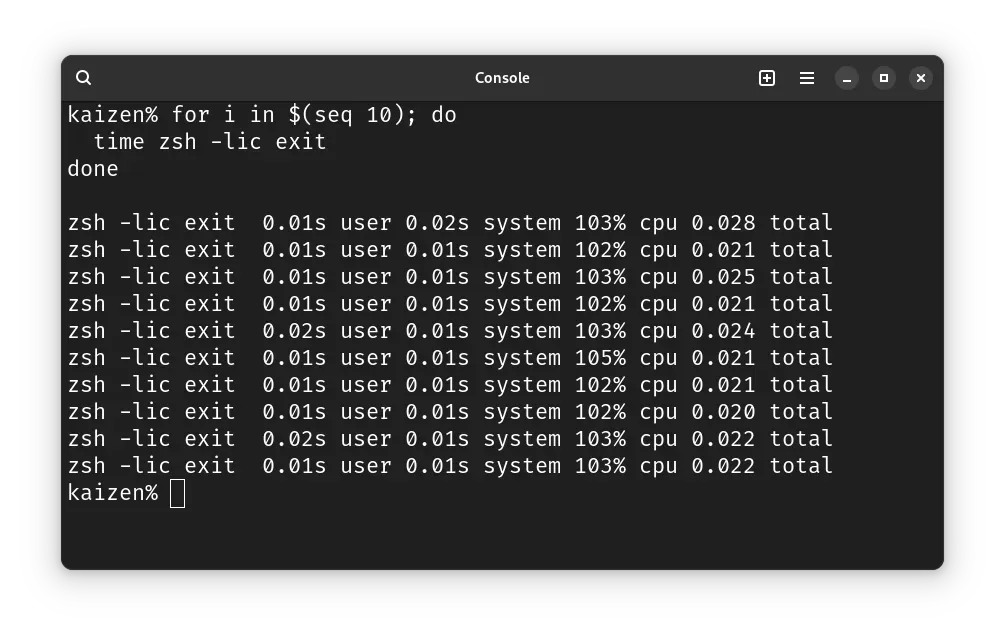
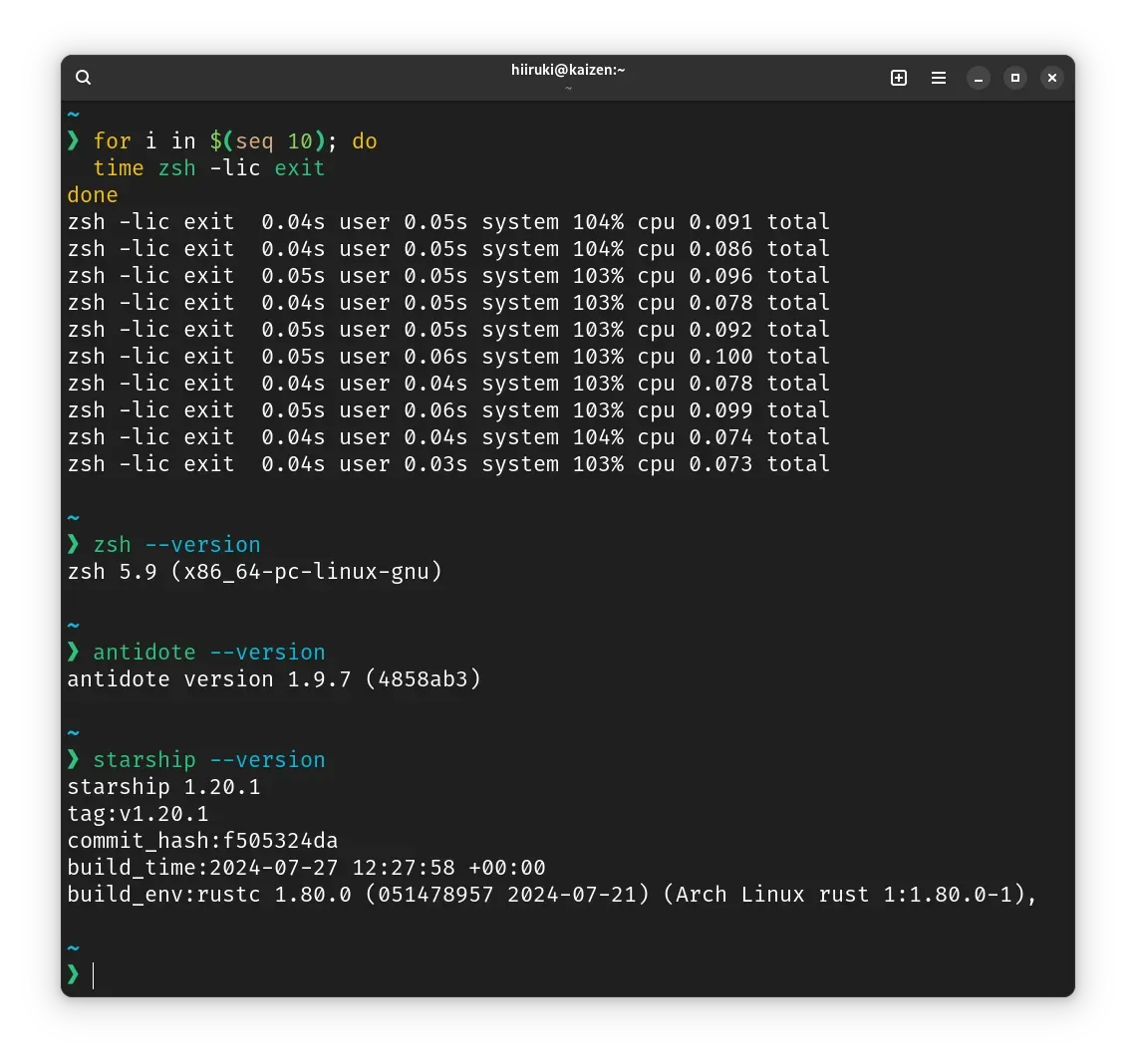
Quick Benchmark
Vanilla ZSH
With Antidote and Starship
Summary
I found that Antidote is faster than oh-my-zsh, and Starship is a cool, fast prompt written in Rust that gets updated frequently. While there are many other prompt alternatives like Powerlevel10k, I prefer Starship because it’s simple and fast. Some people might prefer Powerlevel10k because it has a transient prompt feature, and I’ve heard it’s faster than Starship. However, I also use Powerlevel10k, and I’ve found that the performance gap is not that significant. I plan to write a post comparing Starship and Powerlevel10k in the future.
References
- Antidote Documentation
- zsh-bench by @romkatv (Roman Perepelitsa)
- How to fix slow zsh shell startup by Dane Harnett Devs @ YouTube
- Supercharge your terminal by Insanet
- Speeding Up My Shell (Oh My Zsh) by Matthew J. Clemente
- Dev Workstation Setup
- Does anyone have the list of plugin for antidote plugin manager project? @ Reddit
- zsh-bench