
Fix YouTube Ad blockers violate YouTube's Terms of Service
/ 1 min read
View more blogs with the tag youtube , View more blogs with the tag ublock-origin , View more blogs with the tag adblocker
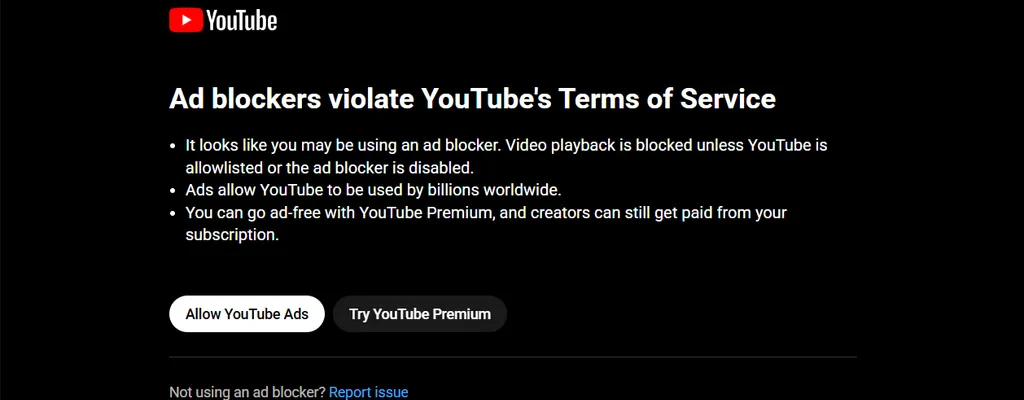
Table of Contents
Intro
This tricks will fix the YouTube “Ad blockers violate YouTube’s Terms of Service” warning on Brave browser and by using the uBlock Origin extension
Configure the uBlock Origin extension
- Remove all existing adblock extensions on your browser.
- Download the uBlock Origin extension for Chrome or Firefox.
- If you’re on Chrome, click on the puzzle icon.
- Select “uBlock Origin” and click on the settings icon.
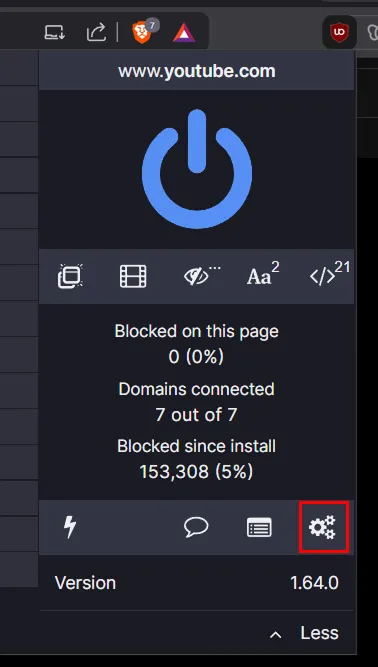
- Click on the “My filters” tab.
- Copy and paste the following code:
www.youtube.com##.ytd-popup-container.style-scope > .ytd-enforcement-message-view-model.style-scopewww.youtube.com##tp-yt-paper-dialog.ytd-popup-container.style-scope > .ytd-popup-container.style-scopewww.youtube.com##.openedwww.youtube.com###container > .ytd-enforcement-message-view-model.style-scopewww.youtube.com##tp-yt-paper-dialog.ytd-popup-container.style-scopewww.youtube.com##+js(nano-stb, resolve(1), *, 0.001)www.youtube.com##+js(set, yt.config_.EXPERIMENT_FLAGS.web_enable_ab_rsp_cl, false)www.youtube.com##+js(set, yt.config_.EXPERIMENT_FLAGS.ab_pl_man, false)www.youtube.com##+js(nano-stb, resolve(1), *, 0.001)www.youtube.com##+js(set, yt.config_.EXPERIMENT_FLAGS.web_enable_ab_rsp_cl, false)www.youtube.com##+js(set, yt.config_.EXPERIMENT_FLAGS.ab_pl_man, false)||googlevideo.com/videoplayback$xhr,3p,method=get,domain=www.youtube.com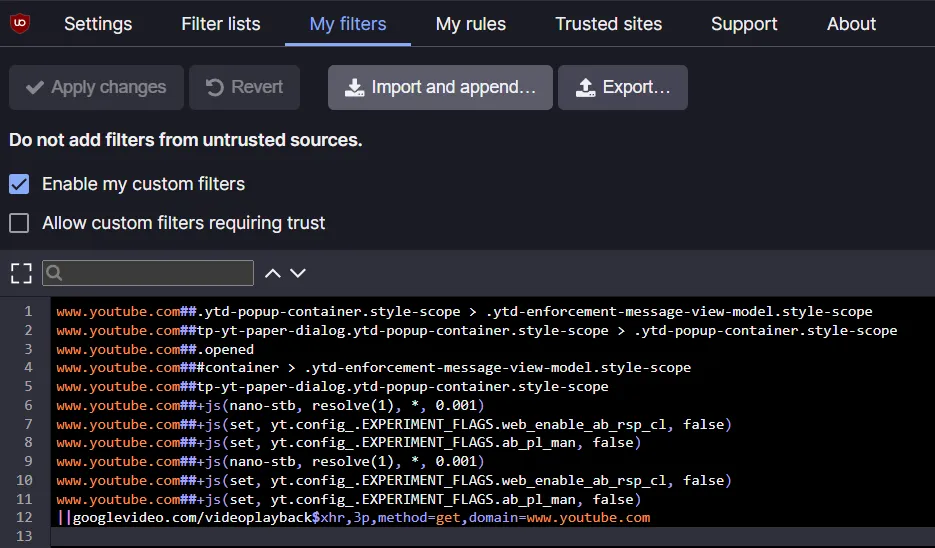
- Click on “Apply changes”, try refreshing the page and watch some YouTube videos.